
Sports welcome
£30in free bets
Bet £10
CodeBETGET30
Login · Reset · UK
Midnite login is an email-and-password card titled Welcome back. The fields are Email and Password, then a Log In button, and a Forgot link on the same card. A reset email comes from no-reply@midnite.com or team@midnite.com. The same details work in the iOS and Android apps.
Sports welcome
£30in free bets
Bet £10
CodeBETGET30
Casino welcome
100free spins
Wager £20
CodeBETGETCASINO
18+ · 14 days to qualify
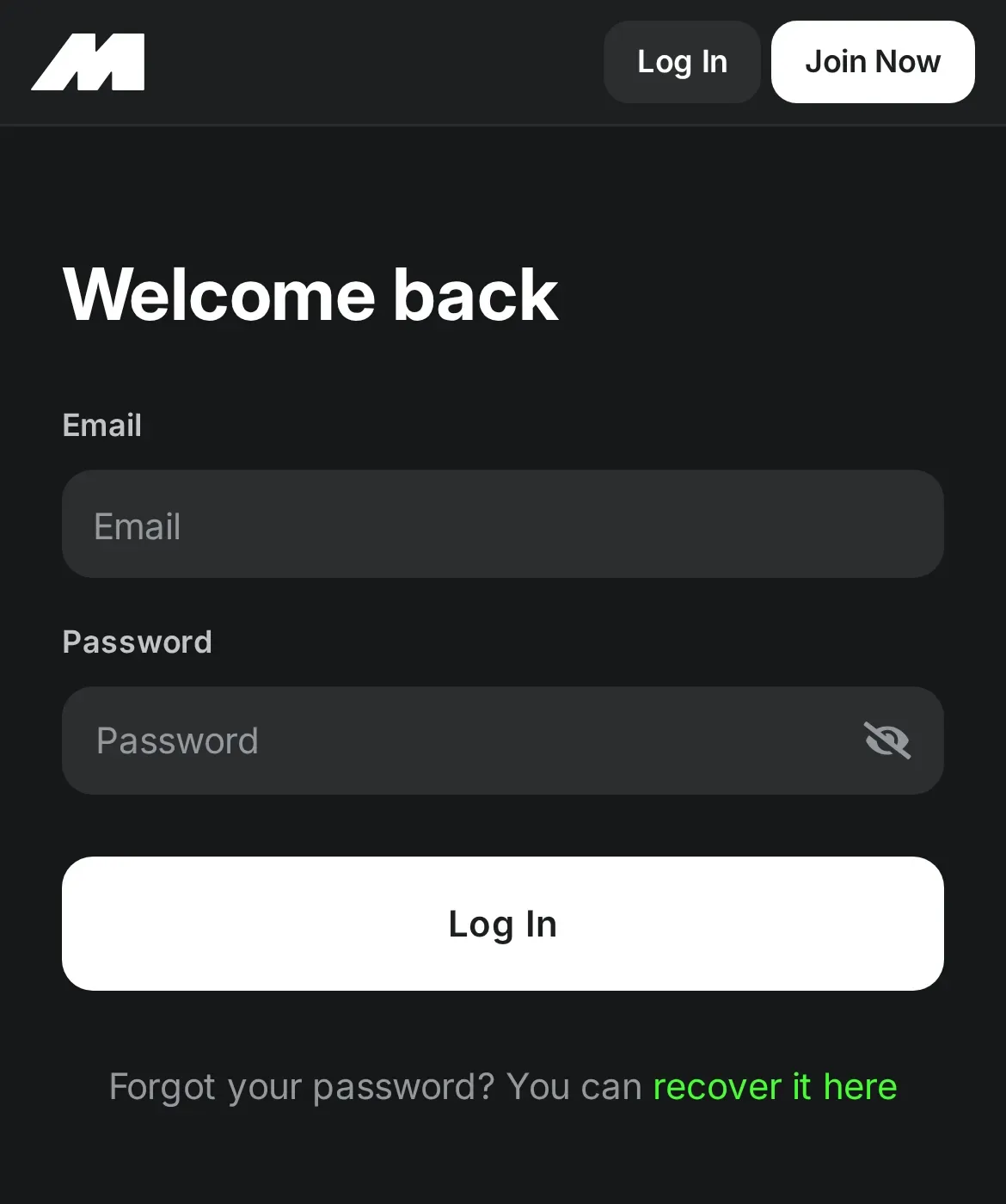
Sign-in for Midnite sits at https://www.midnite.com/login, reached from the Log In control in the Midnite header. The card itself is headed Welcome back. The card shows two boxes — Email and Password — a Log In control, and the line “Forgot your password? You can recover it here.” A username box is not part of that public card.
Open Midnite from the Log in button on these pages, then glance at the address bar before any password is typed. The Midnite product website is www.midnite.com. midniteuk.com is The Floodlights Desk, not the sign-in card. midnite.app is not a Midnite mirror.
Without an existing Midnite account the card will not create one. Start on registration instead. Midnite accounts are limited to people aged 18+, and Midnite allows a single account for each person.
That email-and-password pair also opens Midnite: Sports & Casino on iOS and Midnite: Betting & Casino on Android. The store listings do not add a second password.
A password you have just changed in a browser is the only password the Midnite app will then accept, and the other way around.
A lot of Midnite login searches start on a phone, often with the word app in the query. You do not need a downloaded file from some other website in order to sign in. Either stay in the mobile browser on www.midnite.com, or install Midnite from the App Store, from Google Play, or from Midnite’s deep link https://link.midnite.com/app, and type the same email and password.
Ratings, versions and a short install path are collected on the app page. Even on a small screen you should still see the Email box, the Password box, Log In, and the Forgot line before anything is typed.
The Forgot line is on the public Midnite card, so you do not have to go hunting in a help article to begin. On that path you submit the registered email. A Password reset message then arrives from no-reply@midnite.com or team@midnite.com. Open the inbox, including junk or spam, and follow the link Midnite sent.
contact@midniteuk.com cannot fire a Midnite reset and cannot view a Midnite password. If nothing arrives, pause, look again at spam, then write to support@midnite.com from the same email — and leave the password out of that message. Midnite live chat is another route once you can reach the Midnite site, as is the Telegram bot @THEMIDNITE_BOT.
Run through ordinary causes before you assume the account is gone:
If the card still will not let you in, Midnite support is the channel: live chat, or support@midnite.com. Describe the screen in front of you and the handset or computer you are on; do not include the password. This page does not walk through evading a network block.
From the signed-in account you can open the cashier, put a sports bet on the slip, or move to the casino lobby. Deposits start at £5 on Visa or Mastercard debit, Apple Pay, Google Pay, Pay By Bank and Revolut Pay. If the account is still inside its 14-day qualifying window, BETGET30 and BETGETCASINO are set out on the welcome page. Payout windows and the document list are on payments.
Verification can appear as the account is used. Level 1 confirms you are 18+ and in the UK; if that check fails, Midnite asks for proof of identity and proof of address. Level 2 can request further documents. Level 3 is an advanced / source-of-funds check. Midnite may limit the account while a check is open. This desk cannot hurry that review.
The email from registration and your password. The public Welcome back card does not show a username field.
Use the Forgot link on the sign-in card, enter the registered email, and open the message from no-reply@midnite.com or team@midnite.com. Check the spam folder.
Yes. The same email and password open the iOS and Android apps. There is no separate store password.
Midnite accounts work only while you are physically in the United Kingdom or Ireland. Access closes abroad, and a VPN or proxy can lead to a restriction.
No. contact@midniteuk.com cannot send the reset. Use the Forgot link, or write to support@midnite.com from the same email, without putting the password in the message.
Go to registration first. Login is only for an email and password that already exist.
A Midnite account is only for adults aged 18+. Deposit, net spend and loss limits, and self-exclusion from 6 months to 5 years, sit in the Midnite account or can be requested at support@midnite.com. GAMSTOP, BeGambleAware and GamCare are named for Midnite customers. The longer note is on When you need a hard stop.